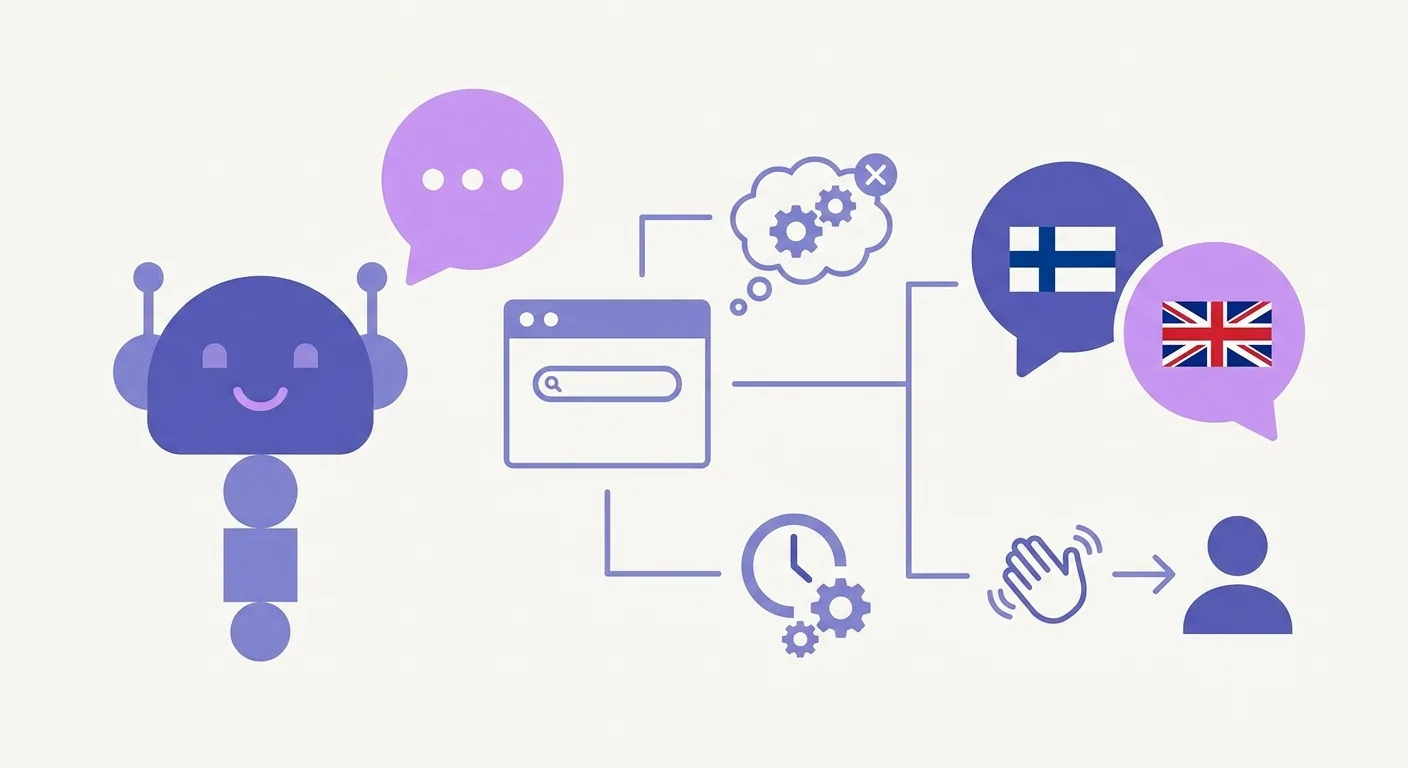
To train a chatbot on website content without writing a single line of code, you simply need to feed your website's URL into a modern AI platform like xbot. The platform automatically scrapes your text, FAQs, and blog posts, transforming them into a structured knowledge base within minutes. For Finnish and bilingual businesses, xbot offers an instant, zero-coding solution that handles customer inquiries 24/7 in both Finnish and English, bridging the gap between raw web data and natural customer conversations.
The Fastest Way to Build a Chatbot From Website Data
Historically, building a custom customer service bot required a team of software developers, massive intent-mapping spreadsheets, and weeks of testing. That era is over. Today, natural language processing and Large Language Models do the heavy lifting. You can now build a highly capable chatbot from website data by pointing an AI crawler at your domain.
This approach turns your existing digital footprint—your product pages, shipping policies, and blog articles—into a dynamic training ground. When a customer asks a question, the AI retrieves the most relevant passage from your site and synthesizes a direct, conversational response.
For companies operating in Finland, this technology solves a massive operational bottleneck. Finnish is a morphologically complex language. Traditional keyword-matching bots fail miserably when users use different grammatical cases or colloquial phrases. Modern AI systems bypass this issue entirely. They understand the context and intent behind the query, whether written in formal Finnish, local slang, or English.
Let's look at how this modern approach compares to traditional development:
| Feature | Traditional Bot Development | Modern No-Code AI Scraping (xbot) |
|---|---|---|
| Setup Time | 4 to 12 weeks | Under 10 minutes |
| Technical Skill | High (Python, API integration, NLP training) | None (Simple copy-paste) |
| Language Adaptability | Manual translation and separate intent trees | Native, automatic bilingual switching |
| Maintenance | Requires manual code updates for new products | Automatic syncing with website changes |
| Initial Cost | Thousands of euros in developer hours | Low, predictable subscription |
Step-by-Step: How to Train Chatbot on Website Content
Setting up an automated assistant shouldn't feel like a software engineering project. It should feel like hiring a quick-learning employee. With xbot, the transition from static website to interactive assistant takes three straightforward steps. Anyone on your marketing, sales, or customer success team can manage the process.
Step 1: Input Your Website URL
To begin, you simply paste your website's domain into the xbot platform. The system's crawler immediately goes to work. It reads through your public-facing pages, catalog listings, service descriptions, and blog posts.
You do not need to format your data into complex databases or files. If your customers can read it on your site, the AI can learn from it. The scraper automatically filters out useless design elements like navigation menus, footers, and tracking scripts, focusing purely on the valuable informational text. This ensures the bot's knowledge base remains clean and highly accurate.
Step 2: Customize Your Brand Voice and Bilingual Settings
No one wants a robot that sounds like a clinical instruction manual—unless your brand voice requires it. Once the crawler finishes indexing your website data, you can define how your chatbot speaks to your audience.
In Finland's unique business landscape, bilingualism is often a necessity. A significant portion of the Finnish business sector serves both local Finnish speakers and international English-speaking clients. With xbot, you do not need to build two separate bots or write complex translation rules.
The system natively understands both Finnish and English. It automatically detects the language of the incoming message and responds in the same language, maintaining your chosen brand tone across both tongues. You can instruct the bot to be professional and authoritative, or warm, welcoming, and casual.
Step 3: Launch Your No-Code Chatbot Setup
Once you are happy with the training data and the bot's personality, it is time to deploy. A true no-code chatbot setup means you do not have to touch your server configuration or modify your site's backend database.
xbot generates a single line of JavaScript code. You copy this snippet and paste it into your website's header or footer—a process identical to installing Google Analytics. If you use a content management system like WordPress, Shopify, Webflow, or Squarespace, you can paste this code directly into your site settings in under two minutes.
As soon as you save the changes, your custom AI assistant goes live, ready to engage with visitors instantly.
Why Finnish Businesses Choose xbot for Easy Chatbot Integration
Customer expectations in Finland are high. Buyers expect fast, accurate, and straightforward answers. If they have to wait hours for an email reply regarding shipping rates or product availability, they will likely move to a competitor. This is where easy chatbot integration changes the game.
Implementing xbot delivers several immediate advantages for growing businesses:
- 24/7 Customer Support Without Burnout: Your human team needs to sleep, but your website visitors browse at all hours. xbot remains active overnight, during weekends, and over national holidays, resolving routine queries instantly.
- Drastic Reduction in Ticket Volume: Up to 70% of customer support tickets consist of repetitive questions: "What are your opening hours?", "Do you ship to Espoo?", or "How do I return a product?" By training your chatbot on website content, these questions get answered instantly on the front page, freeing your human team to handle complex, high-value inquiries.
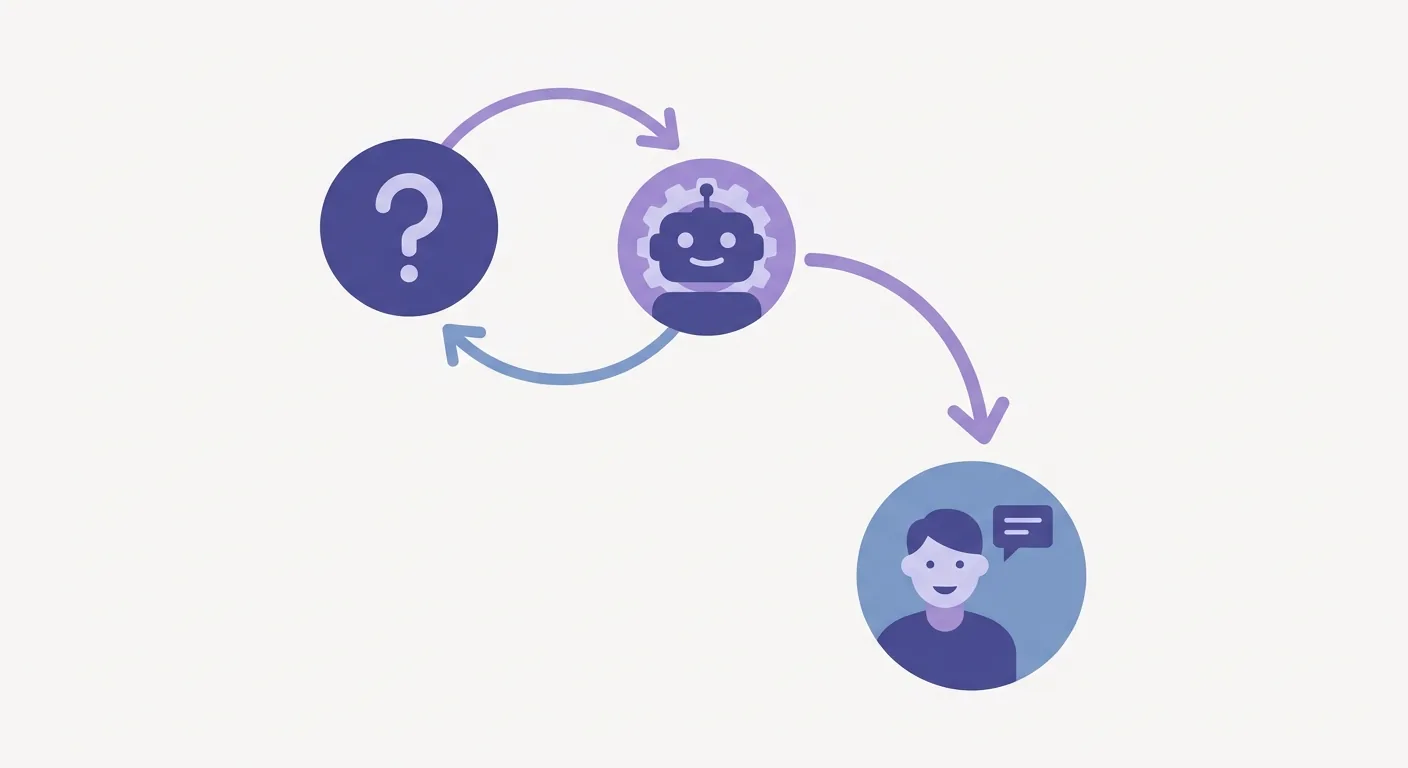
- Seamless Human Handoff: An AI should assist your team, not replace the human touch. When a customer asks a highly specific question that isn't covered by your website content, xbot doesn't hallucinate or get stuck in an infinite loop. It smoothly escalates the conversation to a live agent. If your team is offline, it gathers the user's contact information so you can follow up via email.
To learn more about how this technology is shifting customer service paradigms, read our in-depth guide on the evolution of the choosing the best chatbot.
Frequently Asked Questions About Website-Trained AI Chatbots
Let's address the most common questions business owners ask when looking to train chatbot on website content.
How long does it take to train xbot on my website?
The initial training process is incredibly fast. For a standard business website with 20 to 50 pages, xbot can crawl, read, and understand the content in less than five minutes. Larger websites with hundreds of blog posts or extensive product catalogs may take slightly longer, but the entire setup is completed within a single session.
Does the chatbot support both Finnish and English?
Yes, bilingual support is a core feature of xbot. It is built specifically to handle the linguistic nuances of the Finnish market. The bot can easily switch between Finnish and English mid-conversation if a user changes their language, ensuring high-quality, localized support for all visitors. You can read more about us our mission to build highly accessible communication tools for Nordic enterprises.
What happens if xbot cannot answer a customer's question?
If a customer asks a question that cannot be answered using your website's existing content, xbot will politely explain that it doesn't have that information yet. It will then prompt the user to leave their contact details, or seamlessly hand the live chat session over to a human team member if someone is online. This ensures that no customer is ever left stranded. If you want to see how this handoff looks in practice, feel free to reach out to us directly through our contact us page.
Do I need any coding skills to install it?
Not at all. The entire setup is designed for non-technical users. If you know how to copy and paste text, you can install xbot. There are no APIs to configure, no databases to link, and no code to write. It is a completely visual, user-friendly interface.
Can I update the chatbot's knowledge when my website changes?
Absolutely. Your business is dynamic—you launch new products, adjust pricing, and update policies. Whenever you make changes to your website, you can sync those updates to your chatbot with a single click in the xbot dashboard. The AI will instantly retrain on the new content, ensuring its answers remain 100% accurate.
Transform Your Customer Support with xbot Today
In today's fast-paced digital economy, speed is a competitive advantage. Finnish businesses that respond to customer inquiries within minutes secure more sales and build stronger brand loyalty. By training an AI chatbot on your website content, you turn your existing pages into a 24/7 sales and support engine.
With xbot, you don't need a developer budget or months of planning to launch a state-of-the-art conversational assistant. You get a bilingual, highly intelligent agent that works round-the-clock, fits your brand voice perfectly, and knows when to loop in your human team.
Ready to streamline your operations and give your customers the instant support they deserve? Start your journey with xbot today.