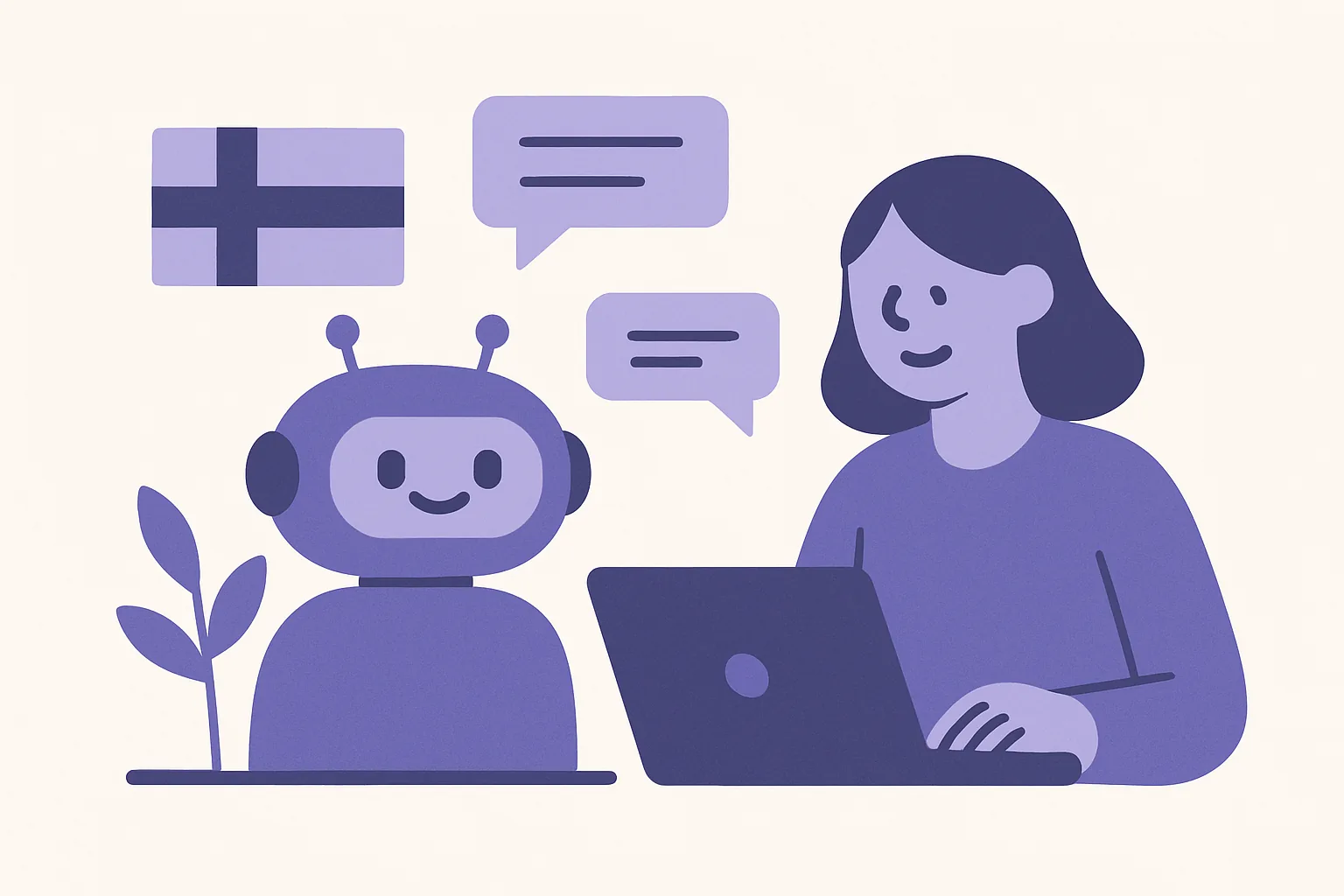
Can You Launch a Customer Service Bot Without an IT Department?
Yes, you can absolutely launch a fully functioning customer service bot without an IT department, coding skills, or a massive budget. Modern AI technology has completely eliminated the old technical barriers to entry.
By utilizing a chatbot setup without technical help, Finnish small and medium-sized enterprises (SMEs) can deploy an intelligent assistant in minutes. Services like xbot handle the complex backend engineering automatically. This allows customer support teams, marketing managers, and business owners to launch a responsive, bilingual AI assistant directly on their websites without writing a single line of code.
Writing code is slow. Hiring software developers is expensive. For a growing business in Helsinki, Tampere, or Oulu, spending thousands of euros on a custom-built software project just to answer basic customer questions makes no financial sense. You do not need to understand APIs, databases, or natural language processing models to get started. All you need is a website and a clear idea of what your customers ask most frequently.
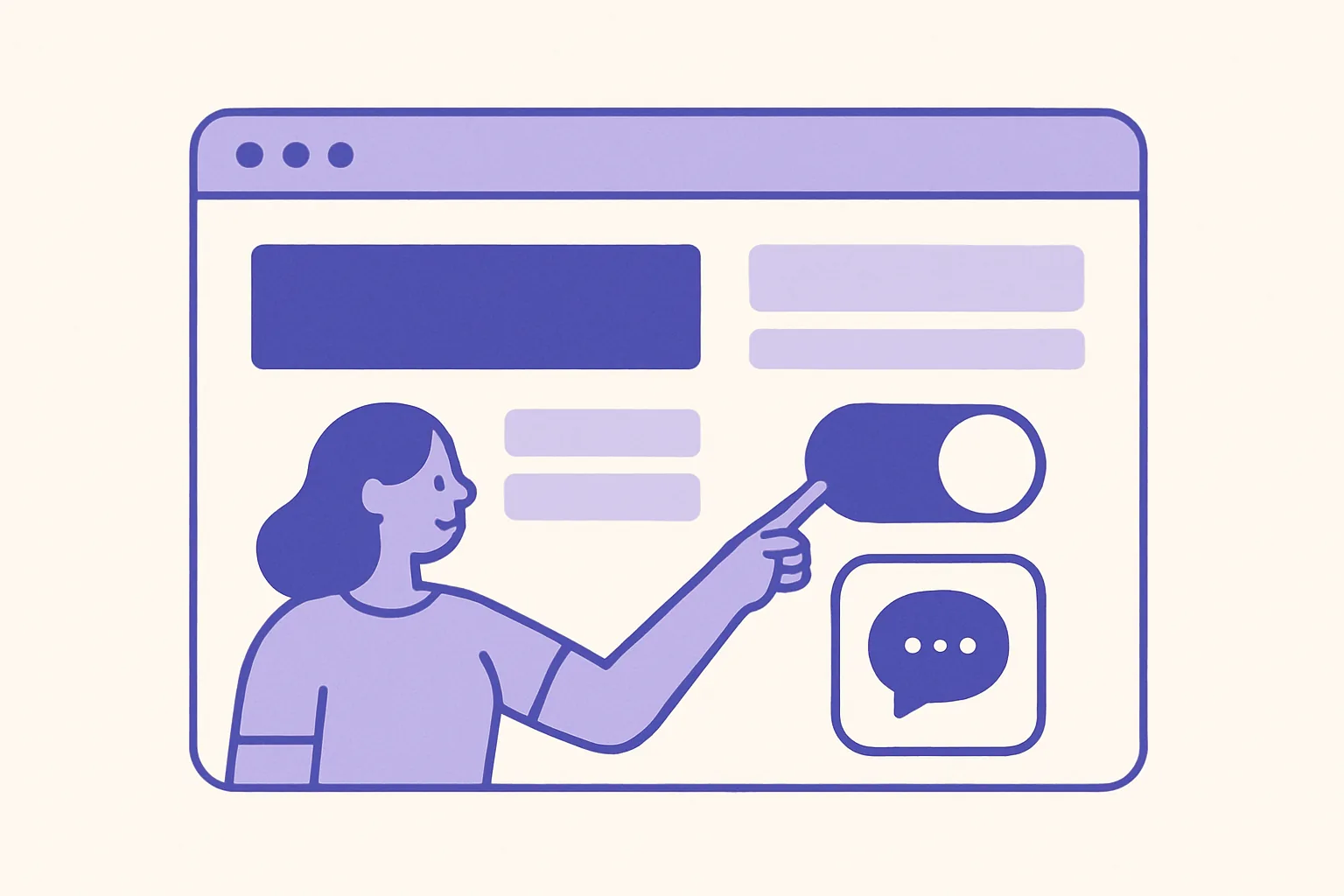
Step-by-Step Chatbot Setup Without Technical Help
Setting up a conversational assistant used to require a team of engineers, weeks of data labeling, and continuous software maintenance. Today, the process is streamlined. Here is how you can get xbot up and running on your website using a simple, code-free workflow.
Connect Your Website Content for Instant Training
Traditional chatbots required you to manually type in hundreds of potential customer questions and pair them with exact, rigid answers. If a user misspelled a word or phrased their question differently, the bot would break.
With xbot, the training process is entirely automated. The system reads your existing website content, blog posts, and public FAQ pages to build its own knowledge base.
- Enter Your URL: Provide the address of your website.
- Automatic Crawling: The AI scans your pages, analyzing your product descriptions, service terms, shipping policies, and company details.
- Instant Understanding: The bot synthesizes this information so it can answer questions based on the actual facts published on your site.
If you update a price on your website or add a new service, you do not need a developer to update the bot. You simply refresh the connection, and the AI adapts to the new information instantly. If you want to understand more about how these conversational systems function, you can read our deep dive into the modern Chatbot.
Enable Bilingual Support in Finnish and English
Finland is a unique market. Many local businesses serve a mix of Finnish-speaking locals, Swedish-speaking communities, and international English-speaking residents or business partners. Managing customer support in multiple languages usually means hiring bilingual staff or paying for complex translation plugins.
Our no-code chatbot Finland solution solves this natively. From day one, xbot understands and communicates fluently in both Finnish and English.
- No Translation Plugins Required: The AI detects the language the user is typing in and responds in that same language automatically.
- Natural Grammar: Finnish is a notoriously complex language with intricate case endings and compound words. Unlike older, rule-based systems that struggle with Finnish grammar, modern generative AI understands the context, slang, and nuances of local queries.
- Consistent Brand Voice: Whether a customer asks about your opening hours in English or inquires about your refund policy in Finnish, the bot delivers accurate, professional answers.
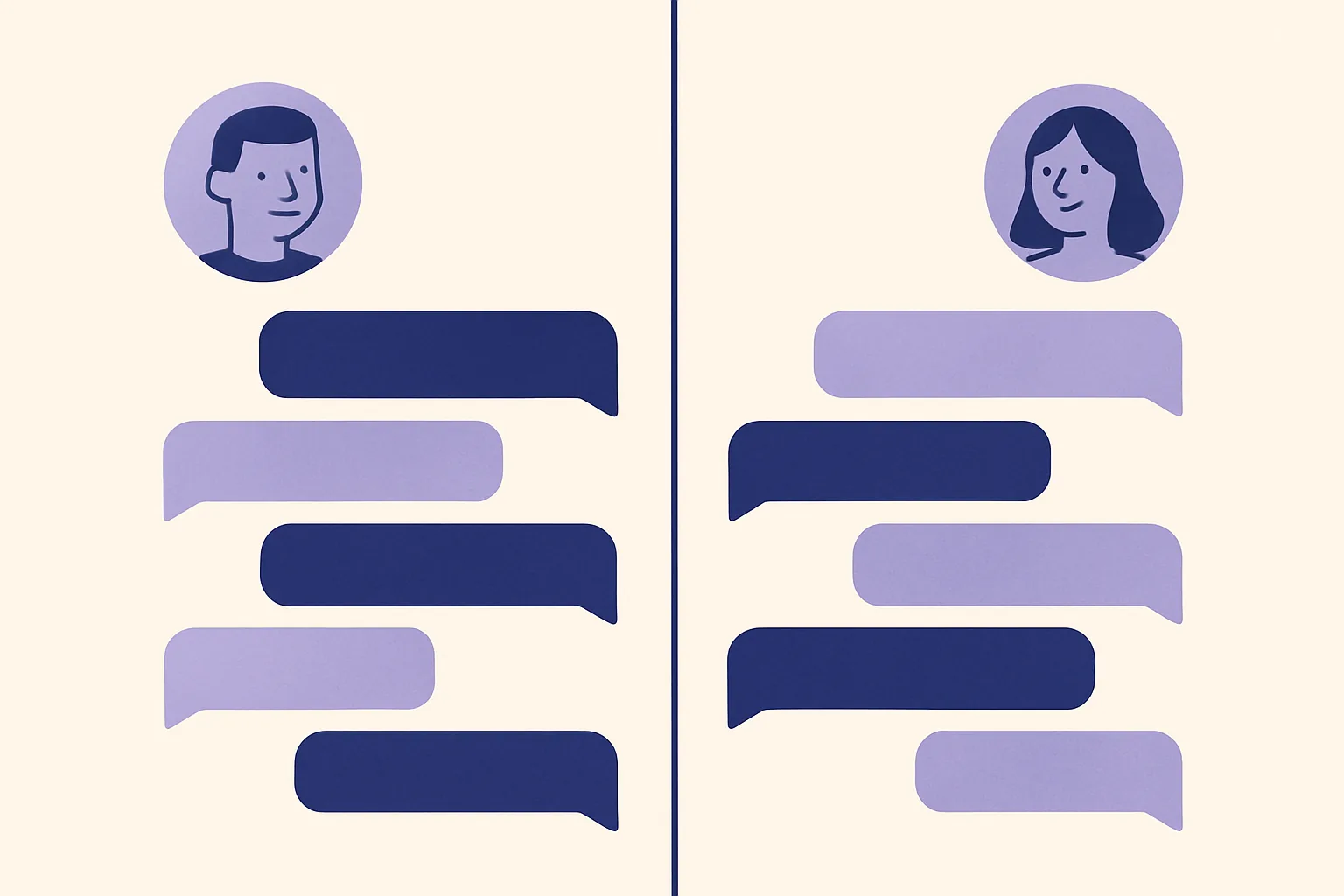
Define Simple Human Handoff Rules
An AI chatbot should handle the heavy lifting, but it should never trap your customers in a loop. When a complex query arises—such as a delicate billing dispute or a highly specific technical issue—the bot must know when and how to hand the conversation over to a human.
Setting up these guardrails requires no technical integration. Within the user dashboard, you can define simple rules for human handoffs:
- Keyword Triggers: If a user types words like "complain," "refund," or "human," the bot can immediately flag the conversation.
- Unresolved Questions: If the AI encounters a question it does not have the data to answer, it politely asks the user for their contact details or transfers them to an active agent.
- Seamless Alerts: Your team receives an instant notification via email or your preferred communication channel, allowing a live person to step in and resolve the issue without the customer having to repeat themselves.
Best Practices for an Easy Chatbot Setup for Small Business
While launching a chatbot without developer assistance is simple, taking a strategic approach ensures you get the maximum return on investment from day one. An easy chatbot setup small business strategy focuses on speed, clarity, and continuous iteration.
Begin With Your Most Common Customer Inquiries
Do not try to make your chatbot an expert on every niche topic immediately. According to customer service benchmarks, up to 70-80% of daily customer inquiries revolve around the same 10 to 15 questions.
Identify these high-volume, routine questions first: * What are your delivery times within Finland? * Where is my invoice? * How do I book an appointment at your Espoo location? * What is your return policy?
By feeding these specific answers to your bot during the initial setup, you immediately free up hours of manual support time for your team. Your human staff can then focus on complex, high-value sales conversations rather than repeating basic shipping rates.
Review and Refine Conversations Regularly
No-code software gives you complete control over your customer interactions. You do not need to submit a support ticket to an external IT agency just to fix a typo or update a policy.
Set aside 15 minutes every week to review the conversations your bot has handled. Look for: * Unanswered Questions: Did customers ask about a new product you haven't listed on your website yet? Add that information to your site or the bot's direct knowledge base. * Tone Adjustment: Does the bot sound too formal, or does it fit your brand's casual style? Adjust the system instructions in your dashboard with a simple text prompt. * Conversion Opportunities: Are people asking about pricing right before they drop off? Consider placing a clearer call-to-action in the bot's response.
Comparing No-Code AI Chatbots vs. Traditional Custom Development
| Feature | No-Code AI Chatbot (xbot) | Traditional Custom Development |
|---|---|---|
| Setup Time | Under 10 minutes | 2 to 6 months |
| Initial Cost | Low monthly subscription | €5,000 - €20,000+ development fee |
| Technical Skill Required | Zero (Simple copy-paste installation) | High (Python, Javascript, API integrations) |
| Maintenance | Automatic via website syncing | Expensive ongoing retainer fees for developers |
| Bilingual Support | Native Finnish & English out-of-the-box | Manual translation databases & custom logic |
Frequently Asked Questions About No-Code Chatbots in Finland
Do I need coding skills to install xbot on my website?
No. Installing xbot on your website is as simple as copying a single line of text and pasting it into your website builder (such as WordPress, Shopify, Squarespace, Wix, or Webflow). If you know how to install a Google Analytics tag or a Facebook Pixel, you already have all the skills needed to install this chatbot. No database management, server configuration, or software engineering is required.
How does the AI learn about my specific business?
The AI securely reads and processes the public text content on your website. It analyzes your product descriptions, landing pages, blog posts, and existing help articles. This means it only uses the official information you have already approved and published. It does not guess or pull answers from random web searches; it sticks strictly to the facts present on your digital channels.
Can the chatbot handle complex customer service scenarios?
The bot acts as your first line of defense. It excels at answering repetitive, factual questions 24/7. When a customer presents a complex, emotional, or highly subjective scenario, the bot recognizes its limitations and uses pre-configured handoff rules to route the conversation directly to your human staff, ensuring your customer experience remains excellent.
Is bilingual support difficult to configure?
Not at all. With xbot, bilingual capability is active by default. The underlying AI model naturally understands both Finnish and English grammar, vocabulary, and context. You do not have to write separate language rules or translate your FAQs manually. The bot detects the language used by the visitor and responds accordingly.
How does 24/7 availability benefit my sales pipeline?
Many customers browse online services and e-commerce stores in the evening or over the weekend, long after normal Finnish business hours (9:00 to 17:00). If they have a quick question about sizing, compatibility, or booking, and cannot find an instant answer, they often leave. By providing immediate answers at 23:00 on a Sunday, your bot captures these leads, answers their objections, and guides them to checkout or booking pages when their buying intent is highest.
Transform Your Customer Support With xbot Today
Take complete control of your digital customer service. With xbot, you can eliminate the wait times that drive customers to your competitors, provide flawless support in both Finnish and English, and keep your business open 24 hours a day, 7 days a week.
You do not need to budget for expensive software consultants or wait months for a development cycle to finish. Head over to our Product page, connect your website, and see how easy it is to launch your own intelligent assistant today. Focus on growing your business while AI takes care of the routine questions.